A guided tour of goodTodo.
A fast task app that works with or without internet, with the depth of a real planner: reminders, repeating tasks, location nudges, voice capture, your calendar alongside your tasks, and a history you can step back through.
From thought to task, instantly.
The fastest path from an idea to a saved task — by typing, by voice, or from anywhere on your device.
- Instant quick addAdding a task is instant, whether you're online or not.
- Voice to actionsSpeak naturally; goodTodo proposes structured actions you approve before they apply.
- Widgets & share sheetAdd tasks from a home-screen widget or share content from any app.
Reminders and routines that fit real life.
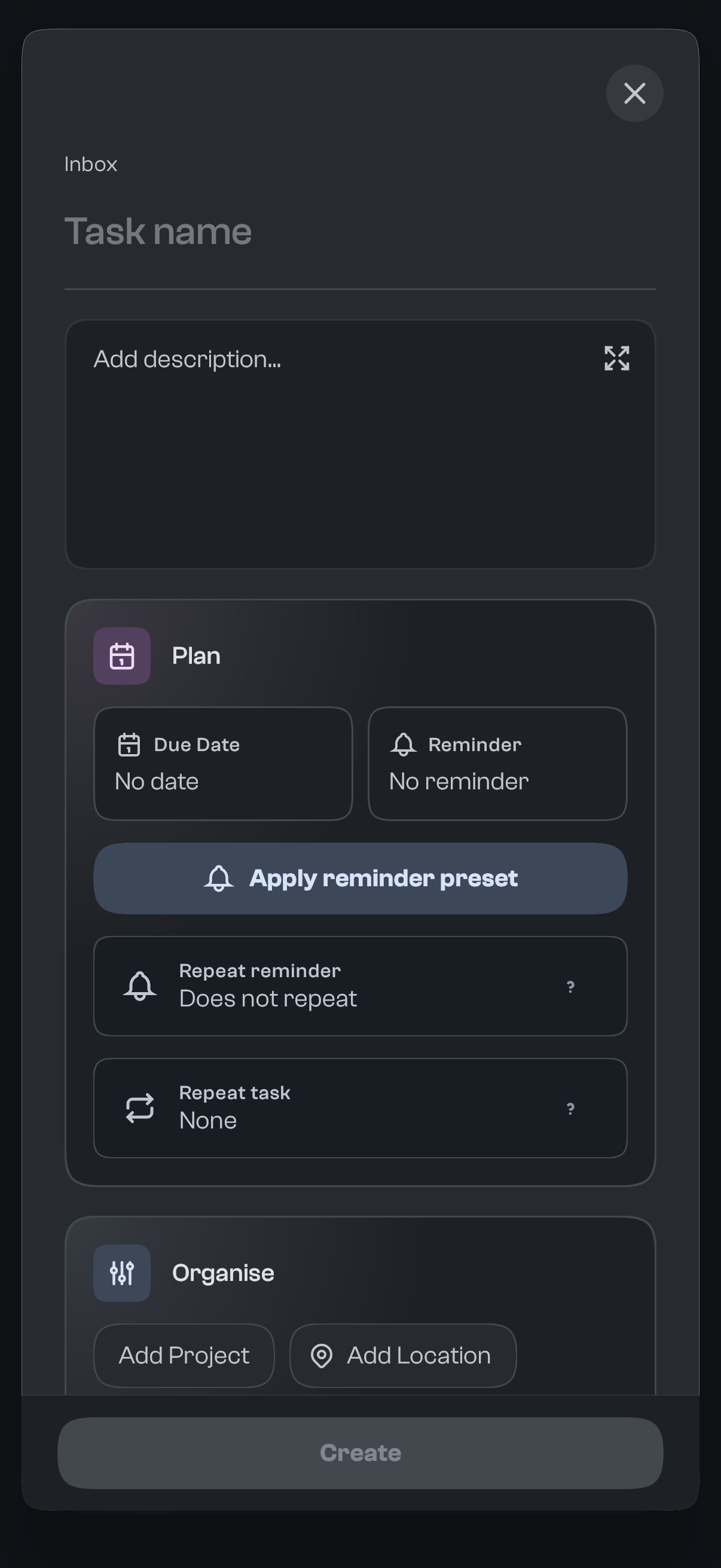
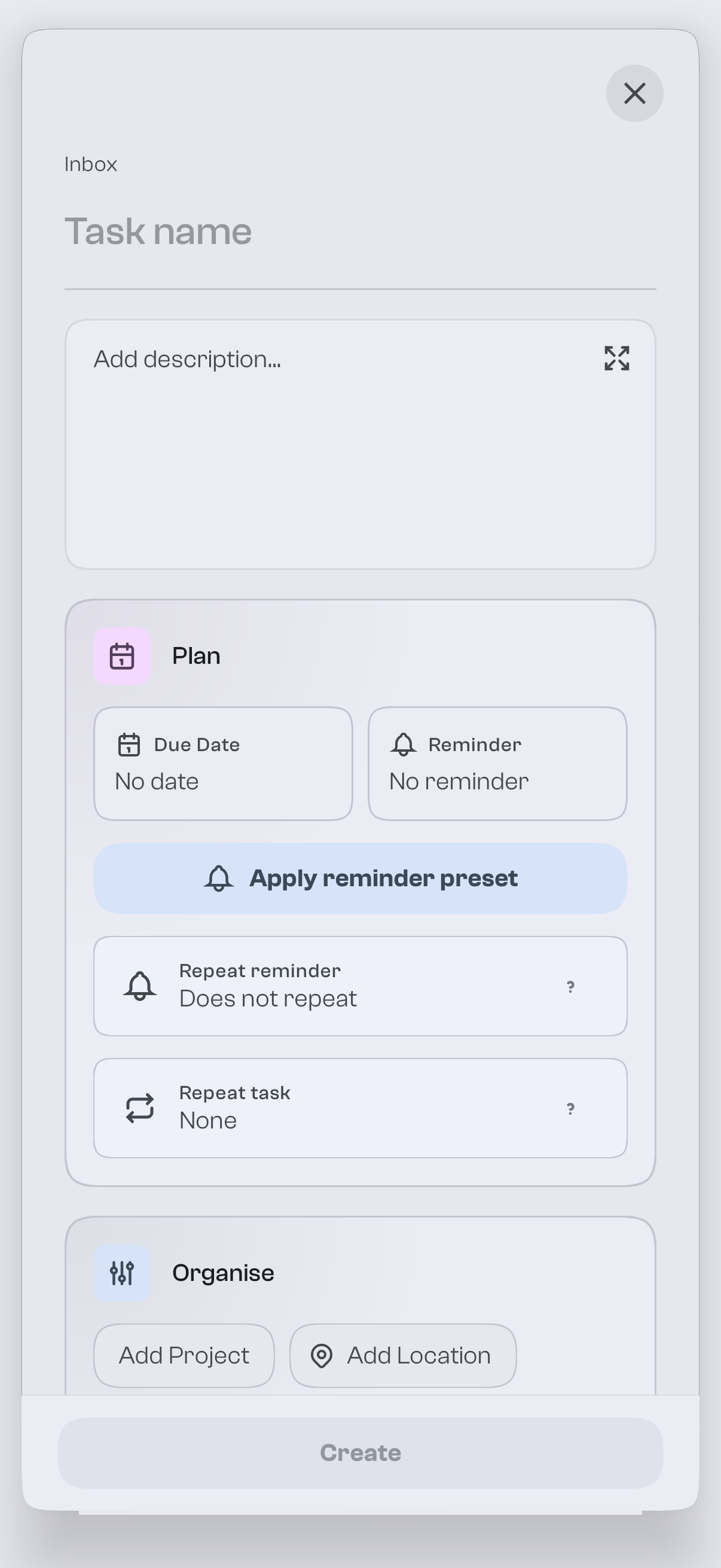
Give tasks a due date, a reminder, and recurring rules — then let them surface at the right moment.
- Reminders & snoozeLocal notifications when it's time, with one-tap snooze.
- Recurring rulesRepeat tasks daily, weekly, monthly or yearly — on the days you choose, for as long as you choose.
- Location remindersGet a nudge when you arrive at or leave a place you pick.
Structure that stays out of your way.
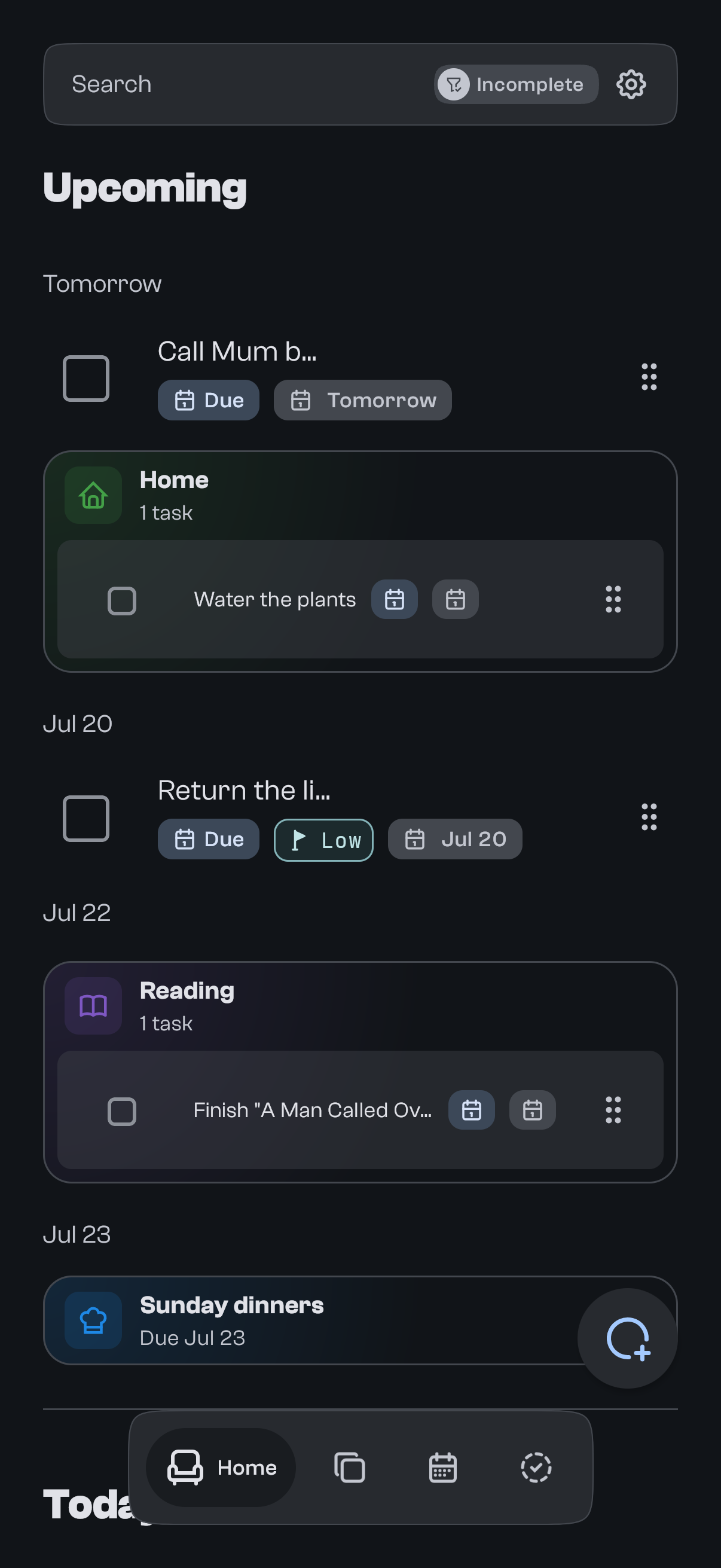
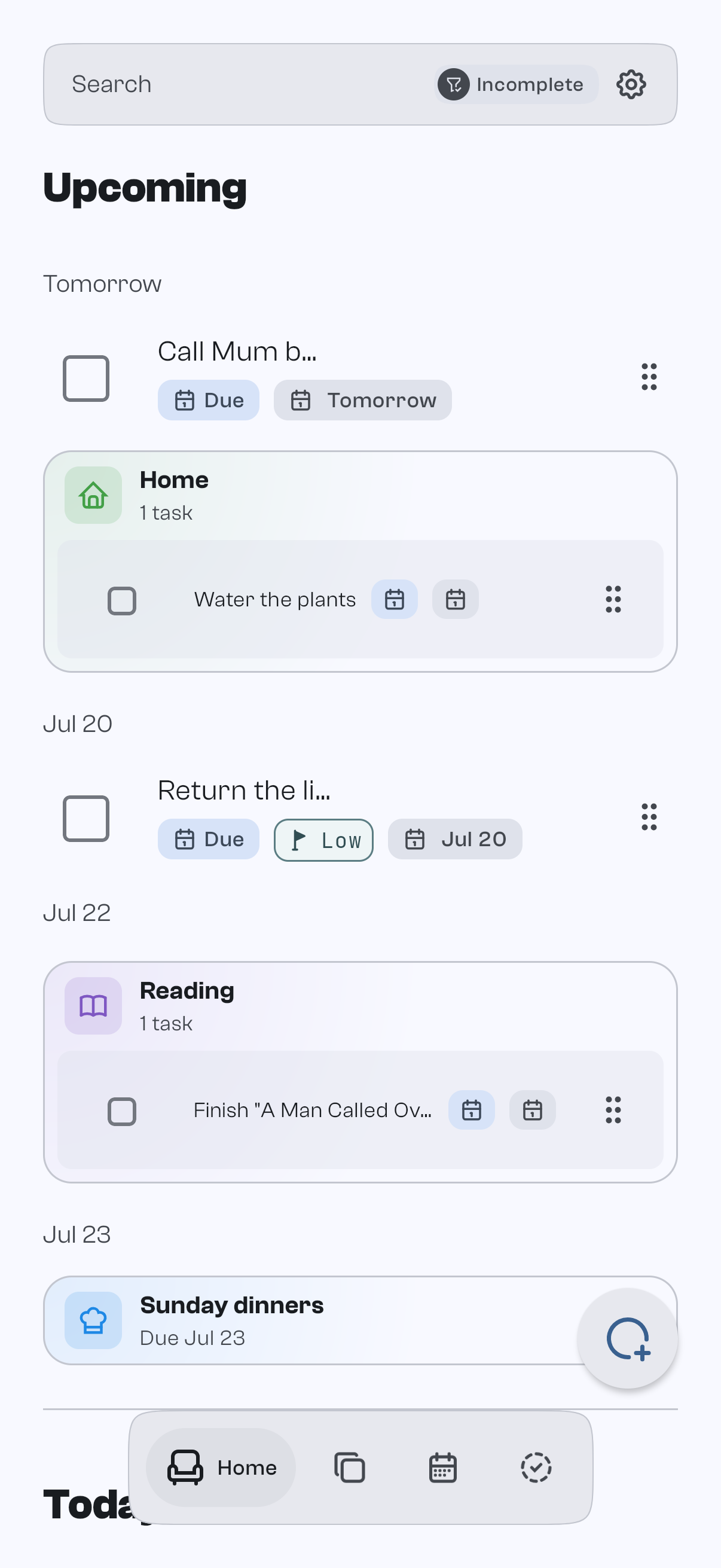
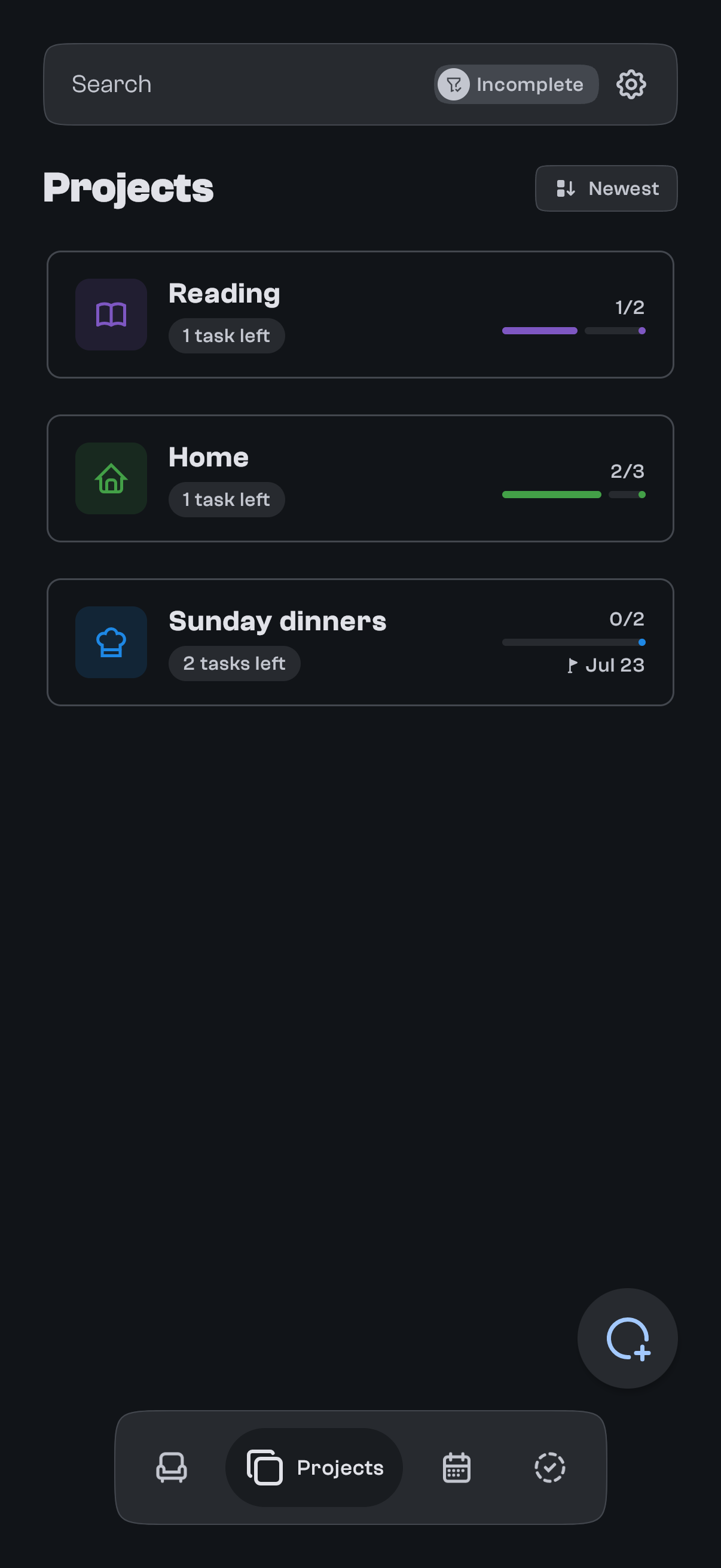
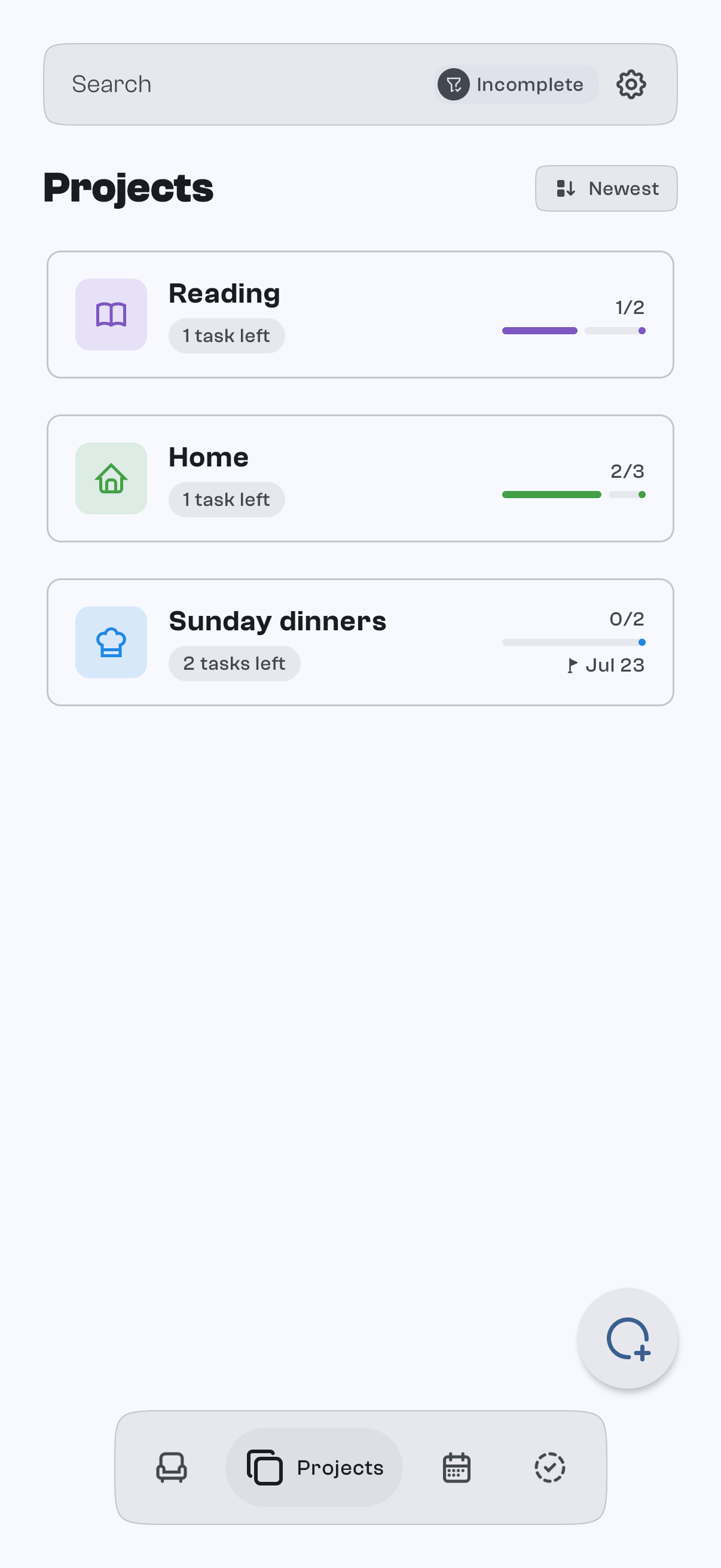
Projects, priorities and a priority matrix keep things clear without becoming a second job.
- Projects & coloursGroup tasks into colour-coded projects and lists.
- Priorities & matrixSet priority levels and view tasks in a focus-friendly matrix.
- Undo & redoA visible history lets you step back through recent changes.
In sync with your devices and your calendar.
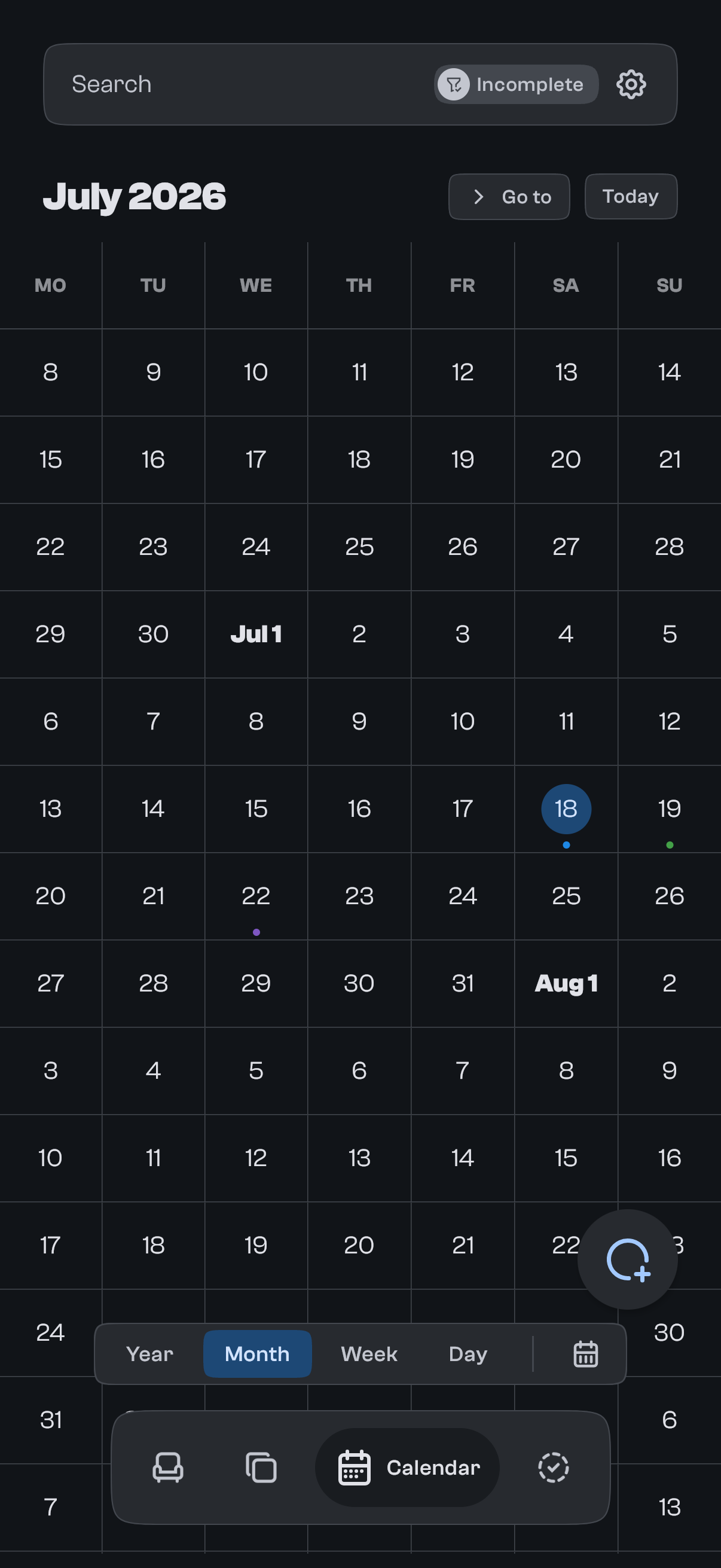
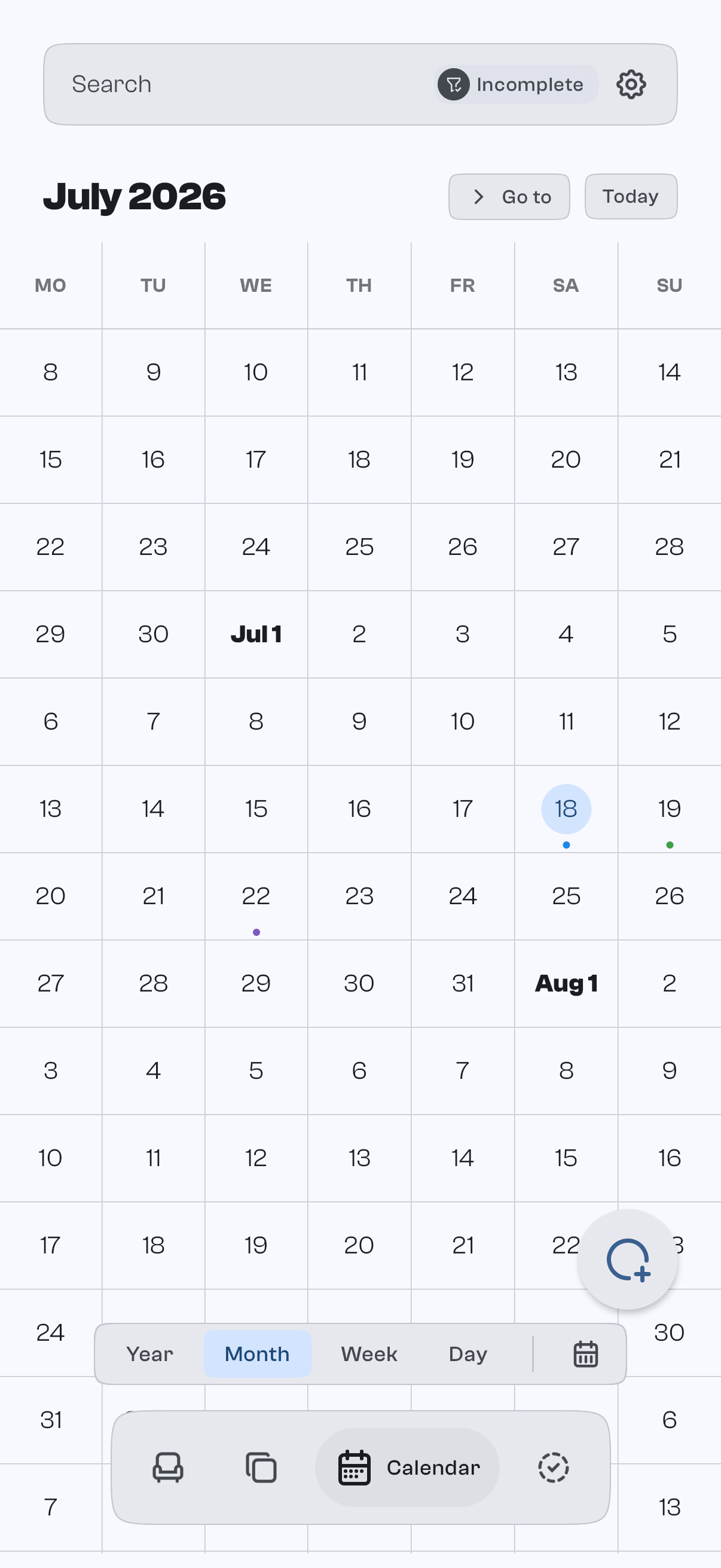
Your tasks stay in step across all your devices, and you can bring in Google Tasks and see your Google Calendar alongside.
- Cross-platform syncPhone, tablet, computer and the web — always the same list.
- Google integrationsKeep your Google task lists in sync and see your Google Calendar next to your tasks.
- Private by defaultYour tasks live on your device first; syncing is optional.
Under the hood.
You don't need to know any of this to use goodTodo. But if you like the details, here is how it actually works.
Offline-first by design
Every change is written to a database on your device first — an approach called offline-first — and then synced in the background. That's why nothing in the app ever waits for the network.
One app, every platform
goodTodo is built with Kotlin Multiplatform and Compose, so the very same app runs natively on Android, iOS, macOS, Windows, Linux and the web — not a separate rewrite per platform.
The demo is the real thing
The in-browser demo is the actual app compiled to WebAssembly, and every screenshot on this site is a real capture of that same build — nothing is mocked up.
Sync you can reason about
When two devices disagree, the newest edit wins — one documented rule, no mystery merges. Signed-in data syncs over an encrypted connection and can be exported or deleted at any time.