Works like paper. Syncs like software.
Every task is saved on your device the moment you write it: flights, tunnels and dead zones included. Sign in and it appears on your other devices too. Nothing ever waits for a connection.
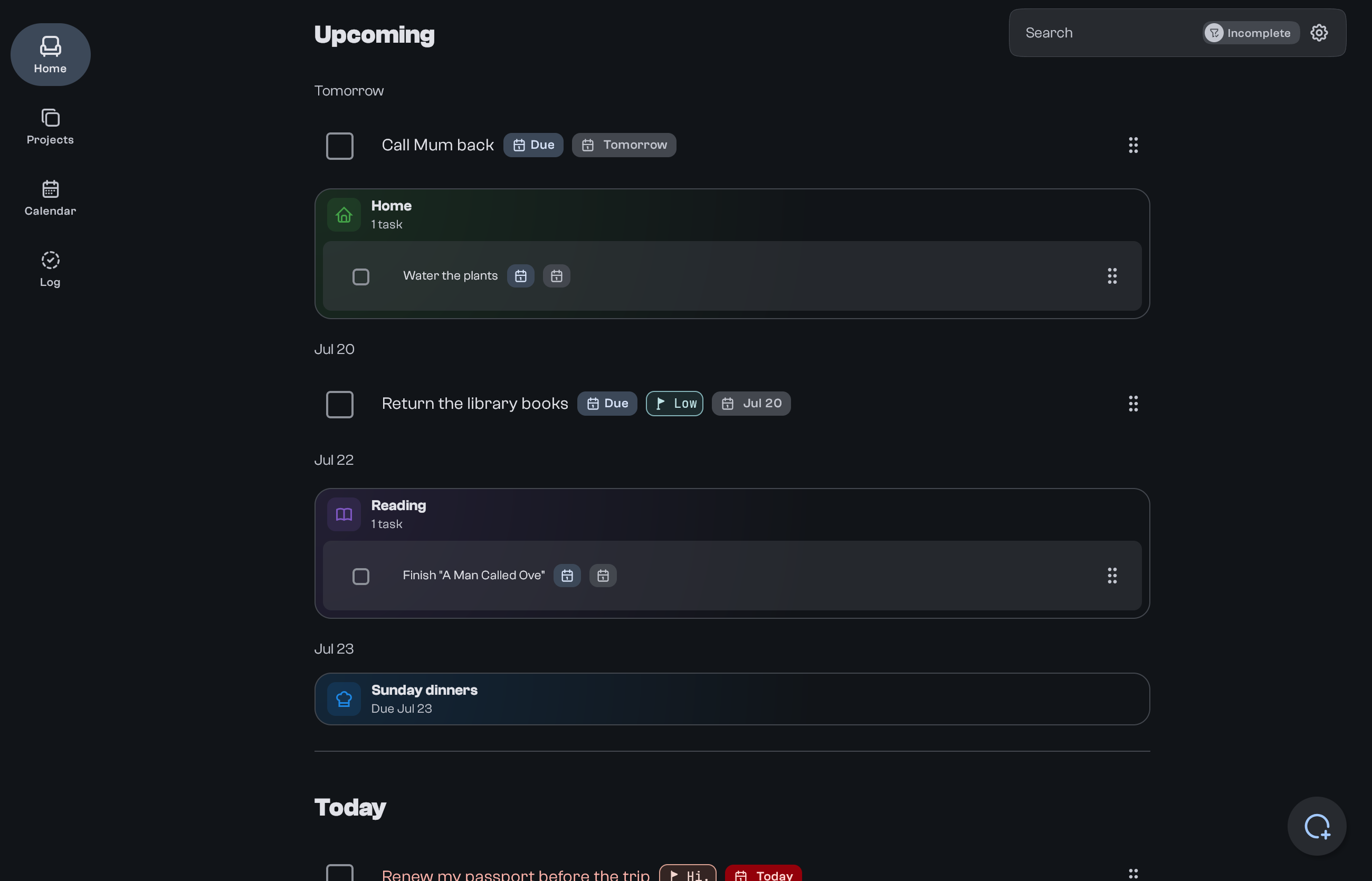
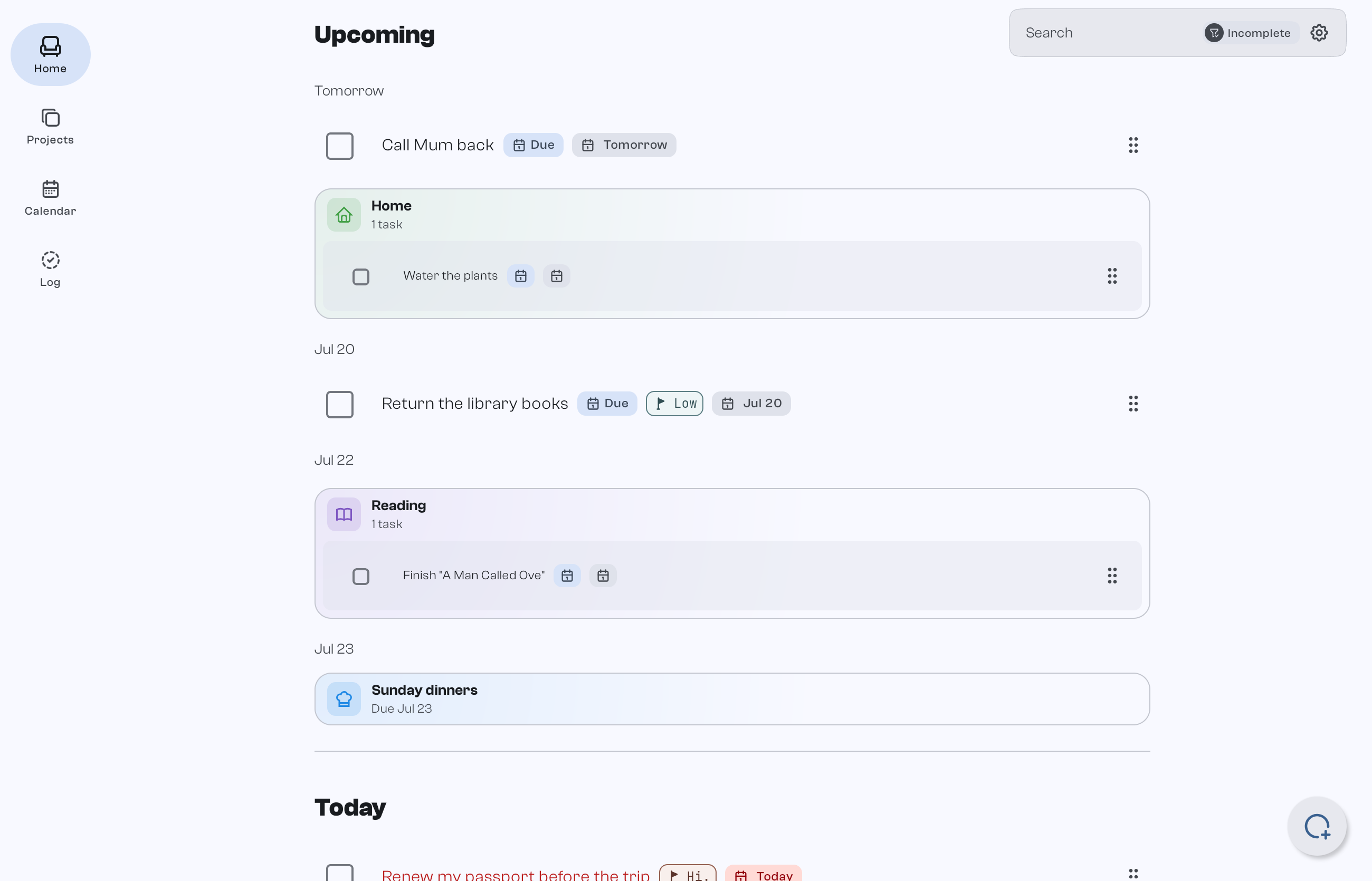
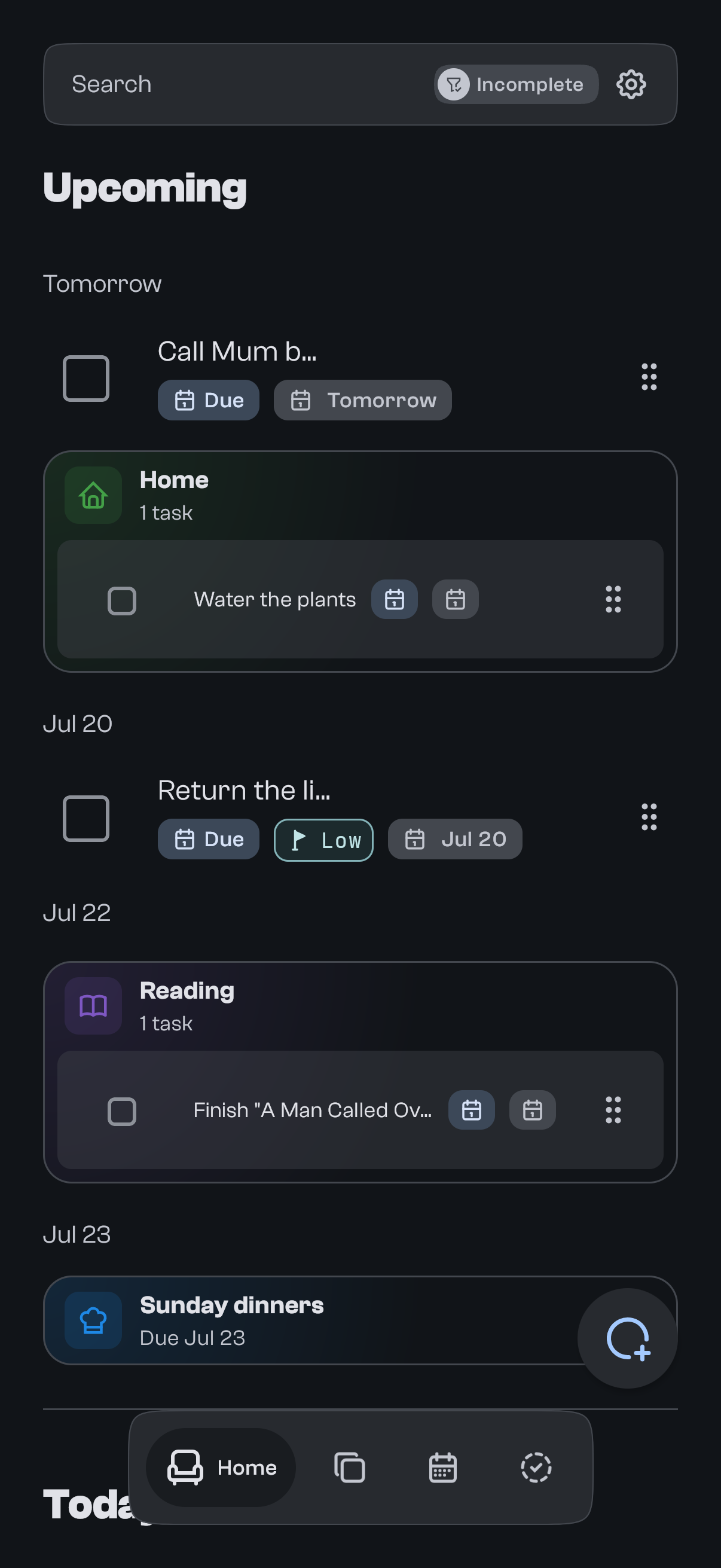
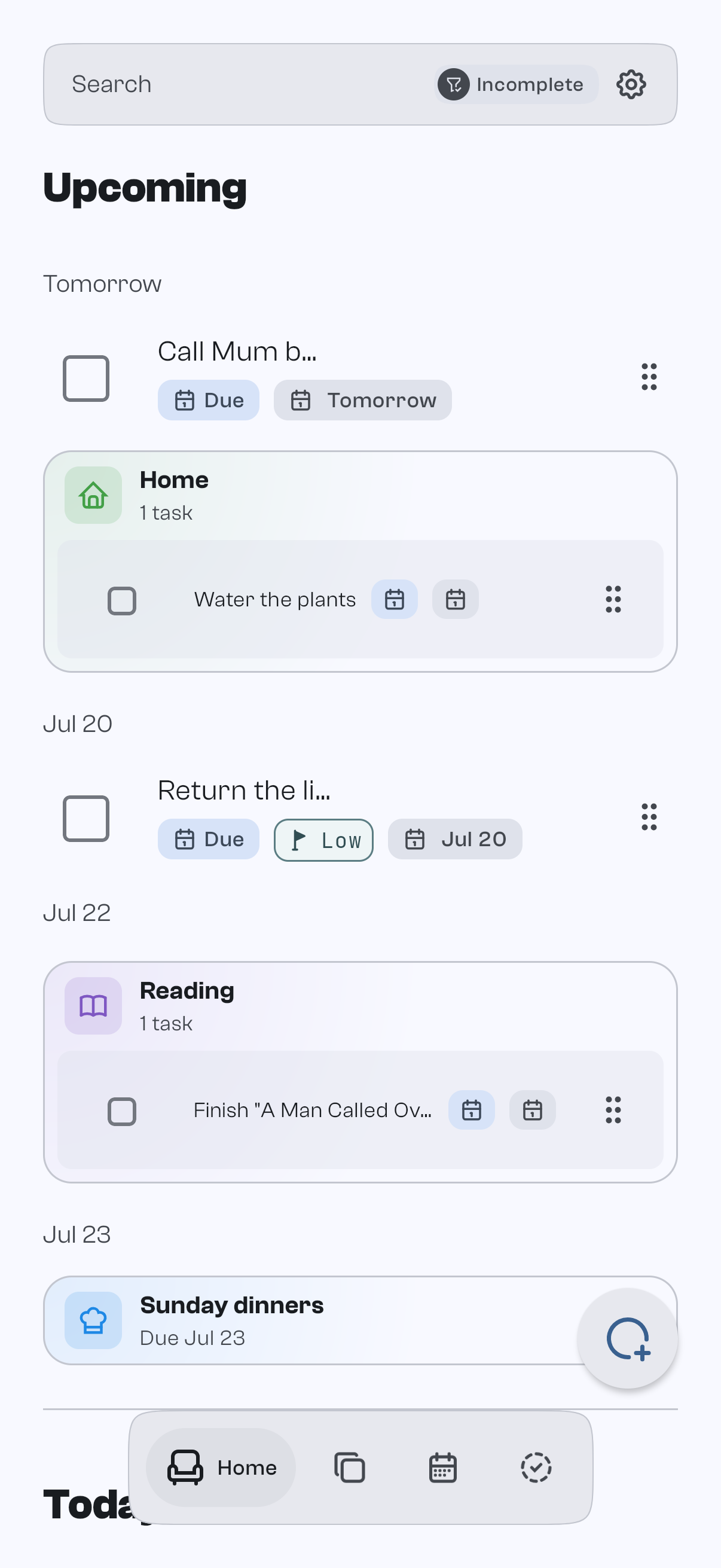
One list. Every device.
The same list on your phone, your laptop and the web. Open any device and the task is already there, saved on the device itself and quietly kept in step in the background.
From a fleeting thought to a task that takes care of itself.
Scroll through a single task as it moves from capture to a fully scheduled, syncing item.
- New task
02 · Capture
Catch it before it's gone.
Add a task in seconds from the app, a widget or the share sheet. No loading spinners: capture works instantly, online or off.
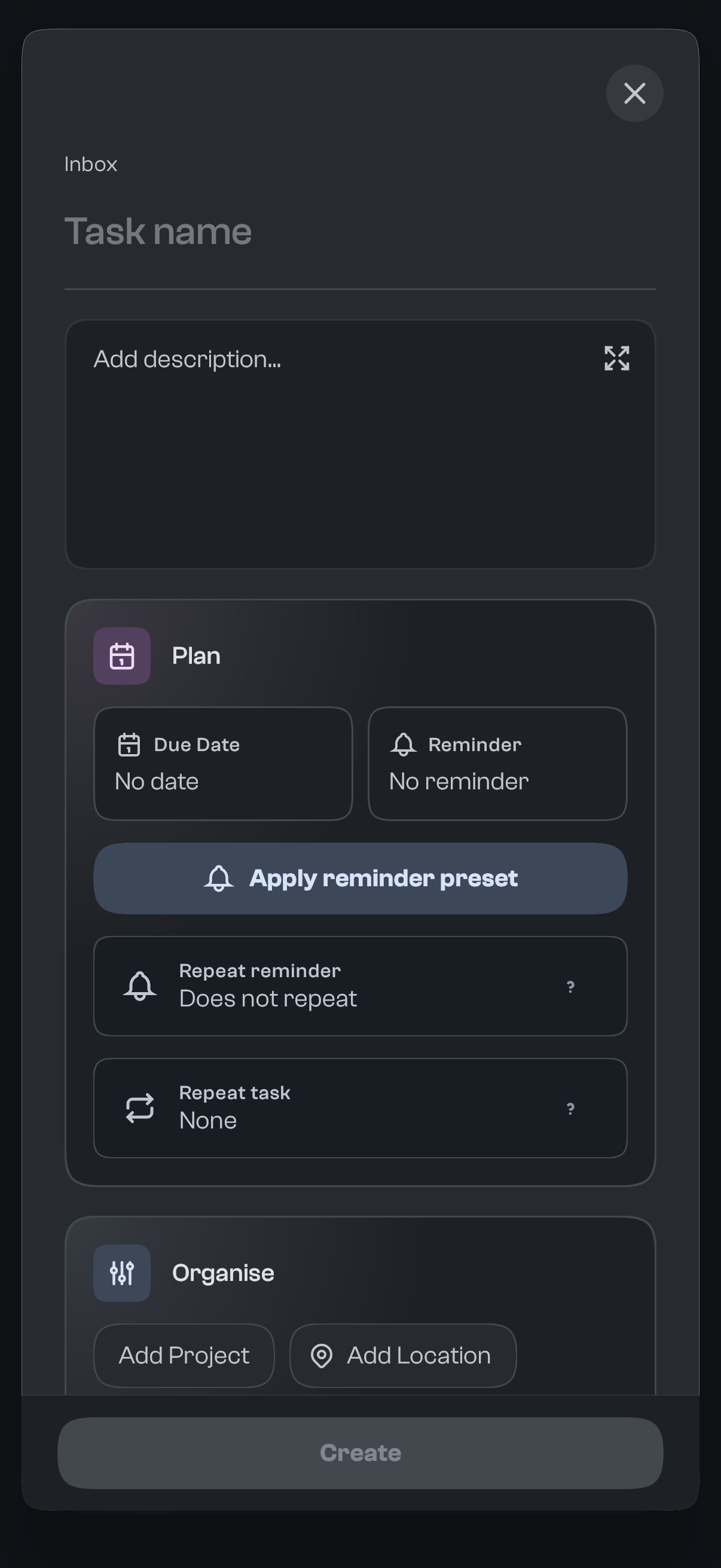
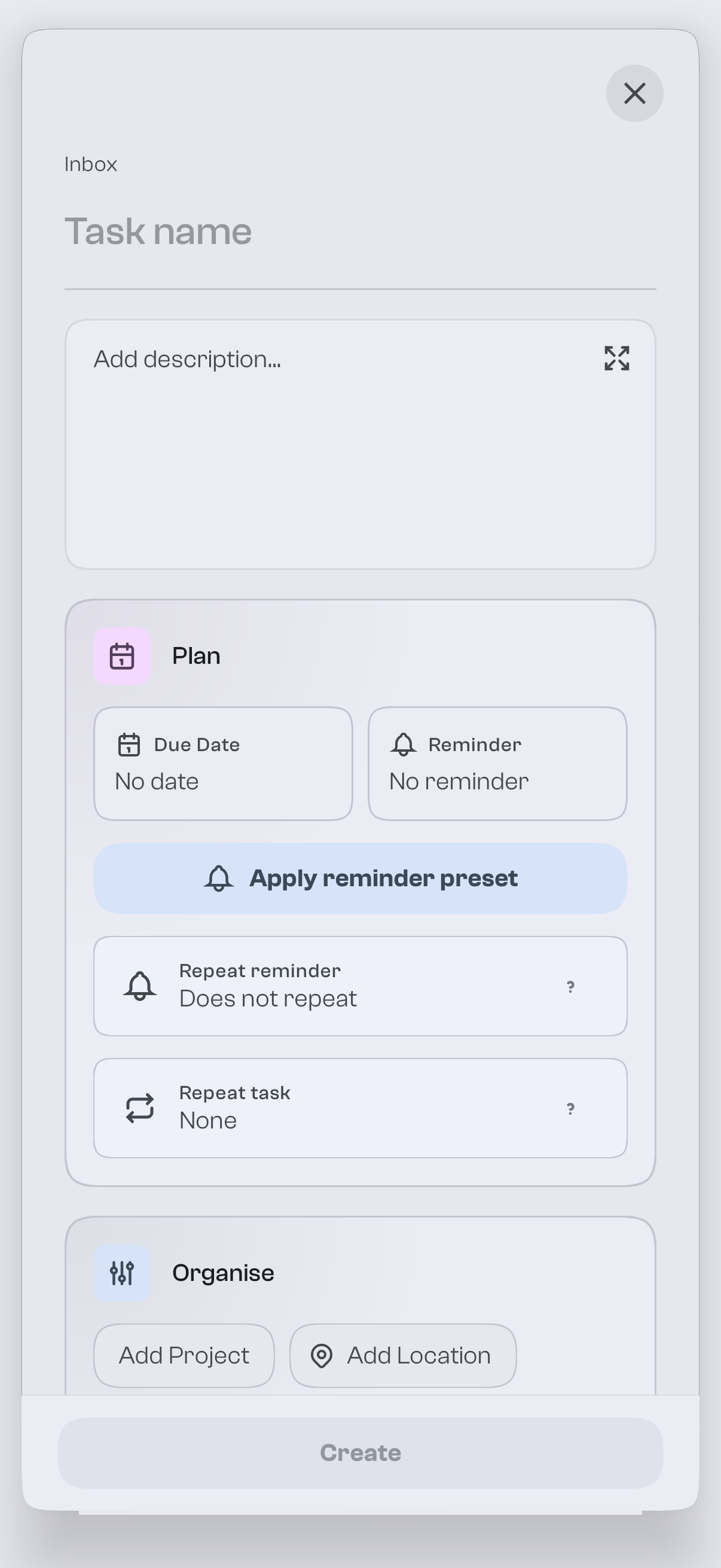
- Due date set
02 · Schedule
Give it a day.
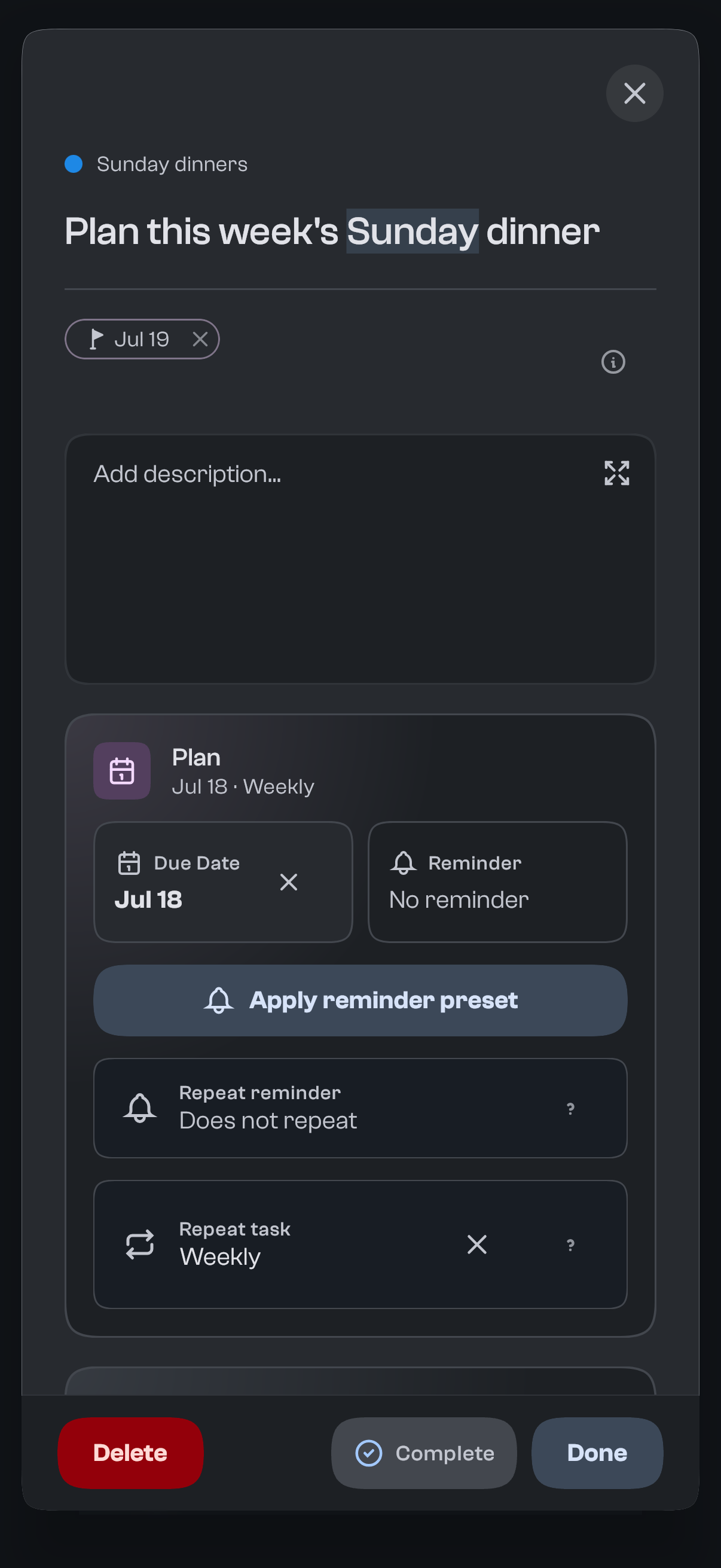
Set a due date so the task shows up exactly when it matters. Overdue items surface clearly so nothing slips.
- Reminder added
02 · Remind
Get nudged at the right time.
Attach a reminder and goodTodo notifies you locally on your device. Snooze it with a tap when life gets in the way.
- Repeats weekly
02 · Repeat
Set it once, let it recur.
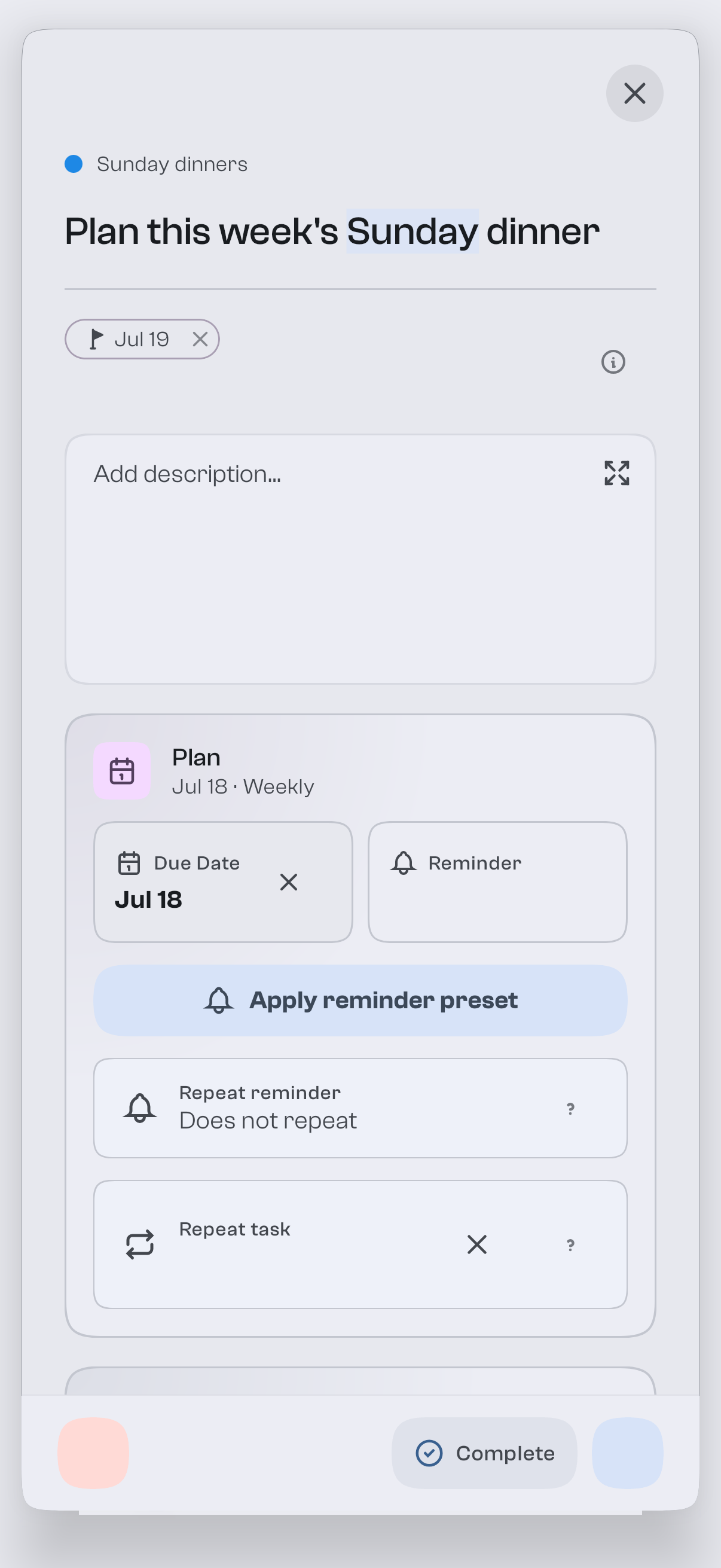
Daily, weekly, monthly or yearly, with intervals and specific weekdays. Choose to roll forward automatically or keep nudging until it's done.
- Synced
02 · Sync
Everywhere, in the background.
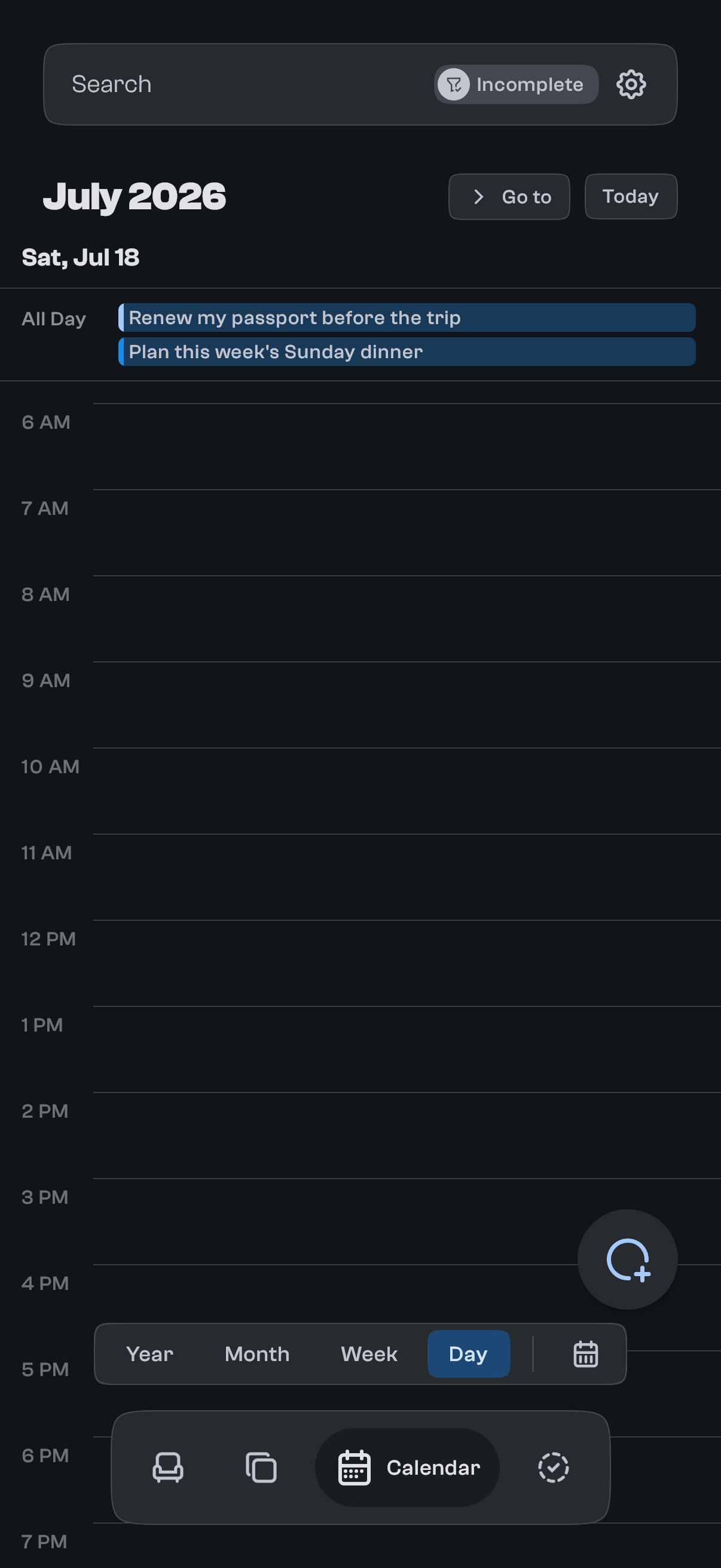
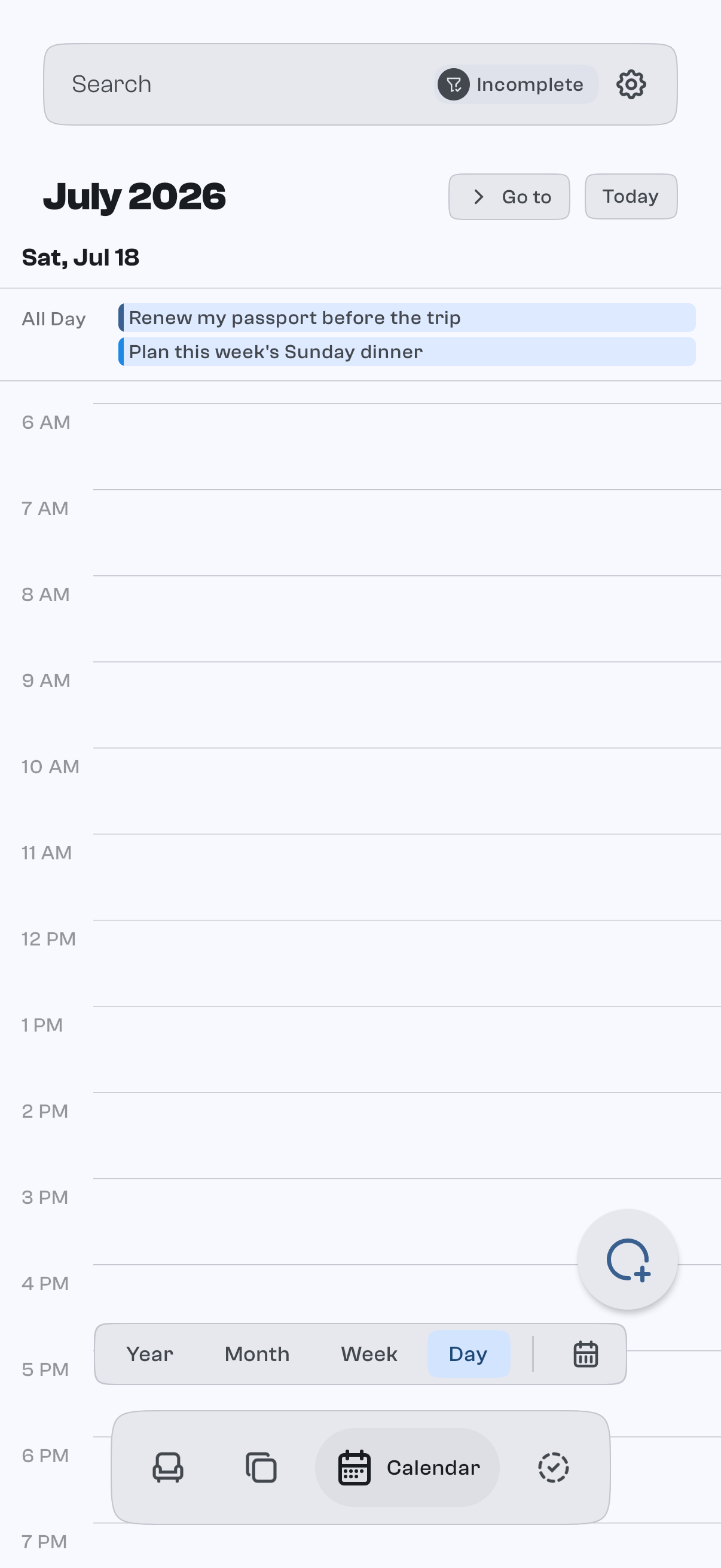
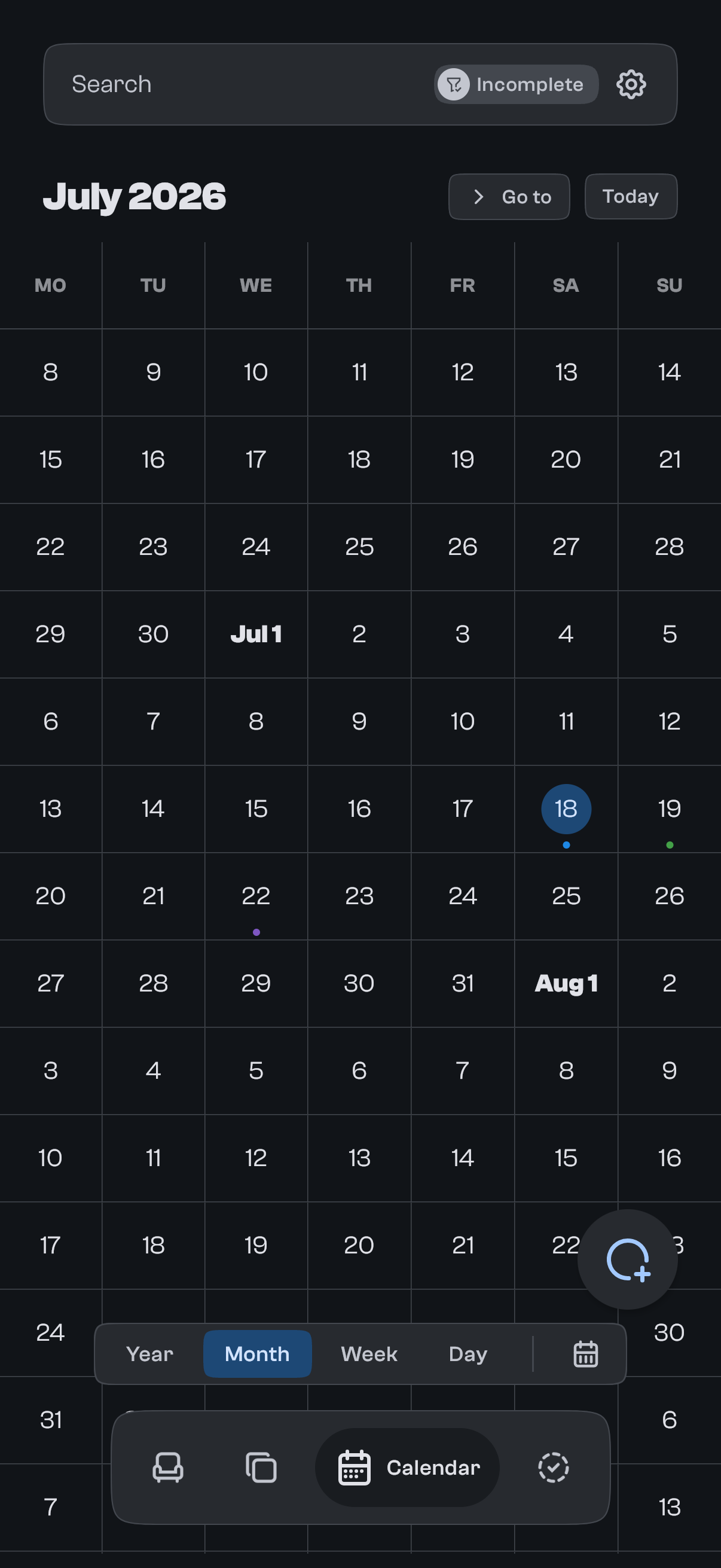
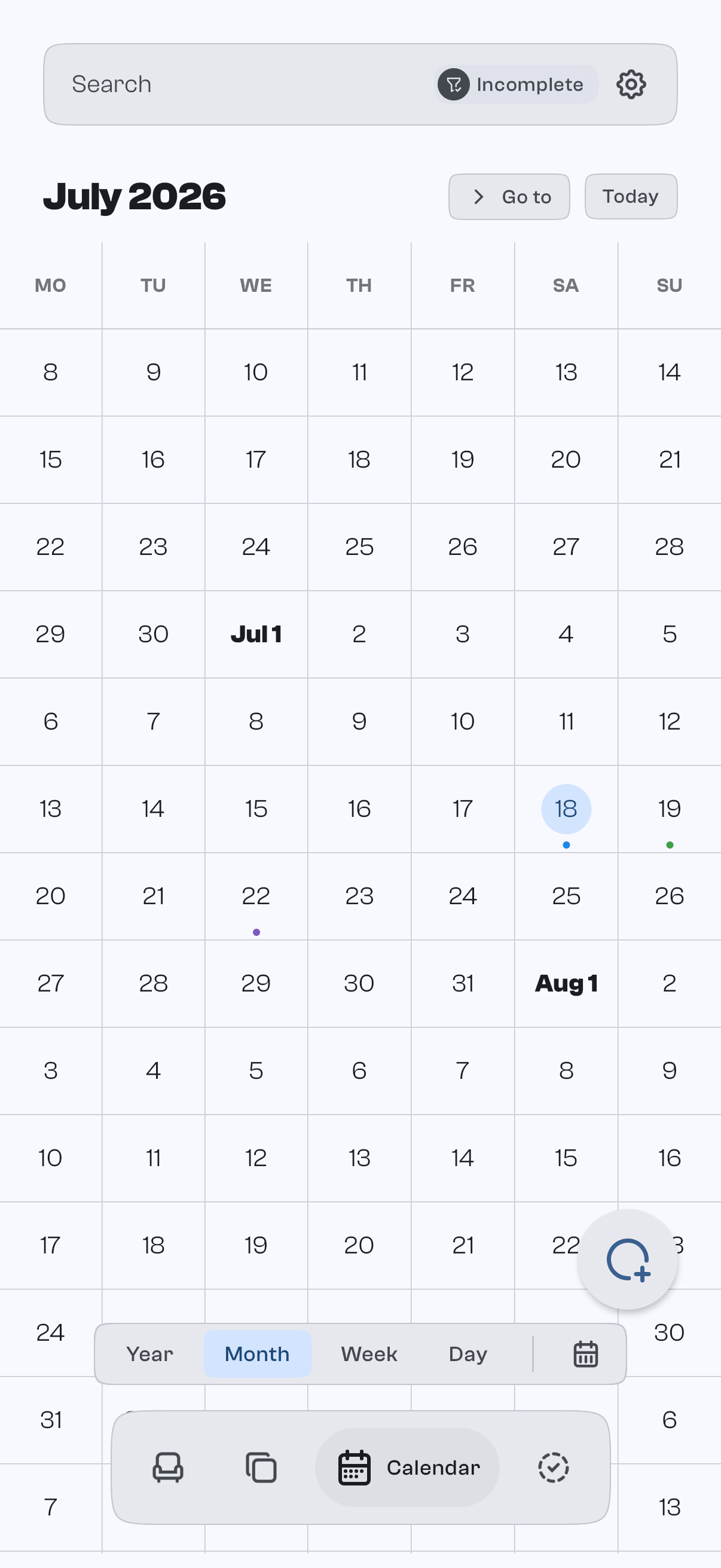
Your task is now on every device, and its due date sits alongside your Google Calendar events for full context.
Works now. Syncs later.
Add a task the moment it lands, online or off.
It's saved to your device before anything touches the internet.
Sign in and it appears on your other devices, quietly.
Everything you add is saved on your device the moment you type it. Syncing happens quietly in the background when you're signed in, and never gets in the way of the task in front of you.
Don't take our word for it.
The demo on this site is the real app, running right in your browser.
Nothing on screen you didn't ask for.
goodTodo shows you the task in front of you and gets out of the way. No streaks, no engagement nudges, no dashboard to tend. The detail is there when you open it, and quiet when you don't.
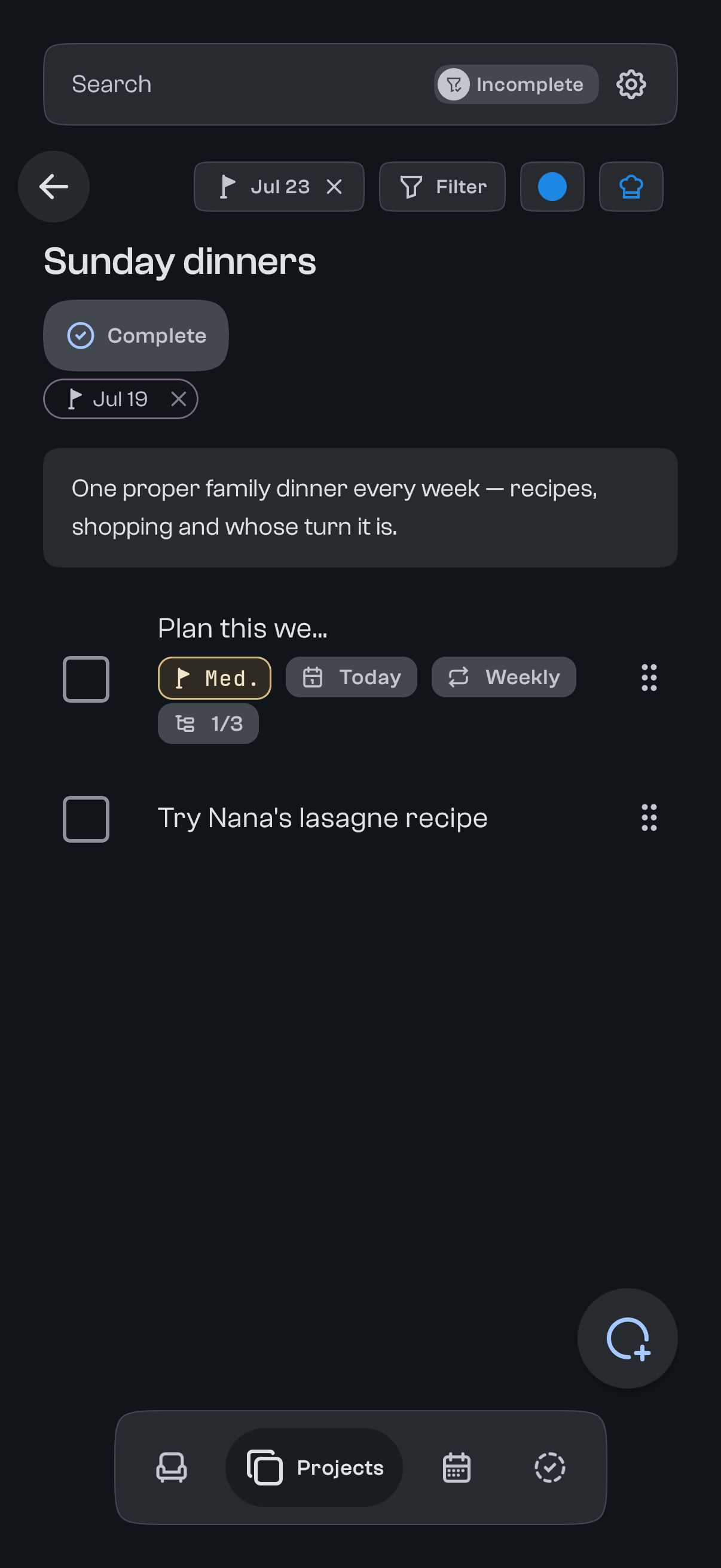
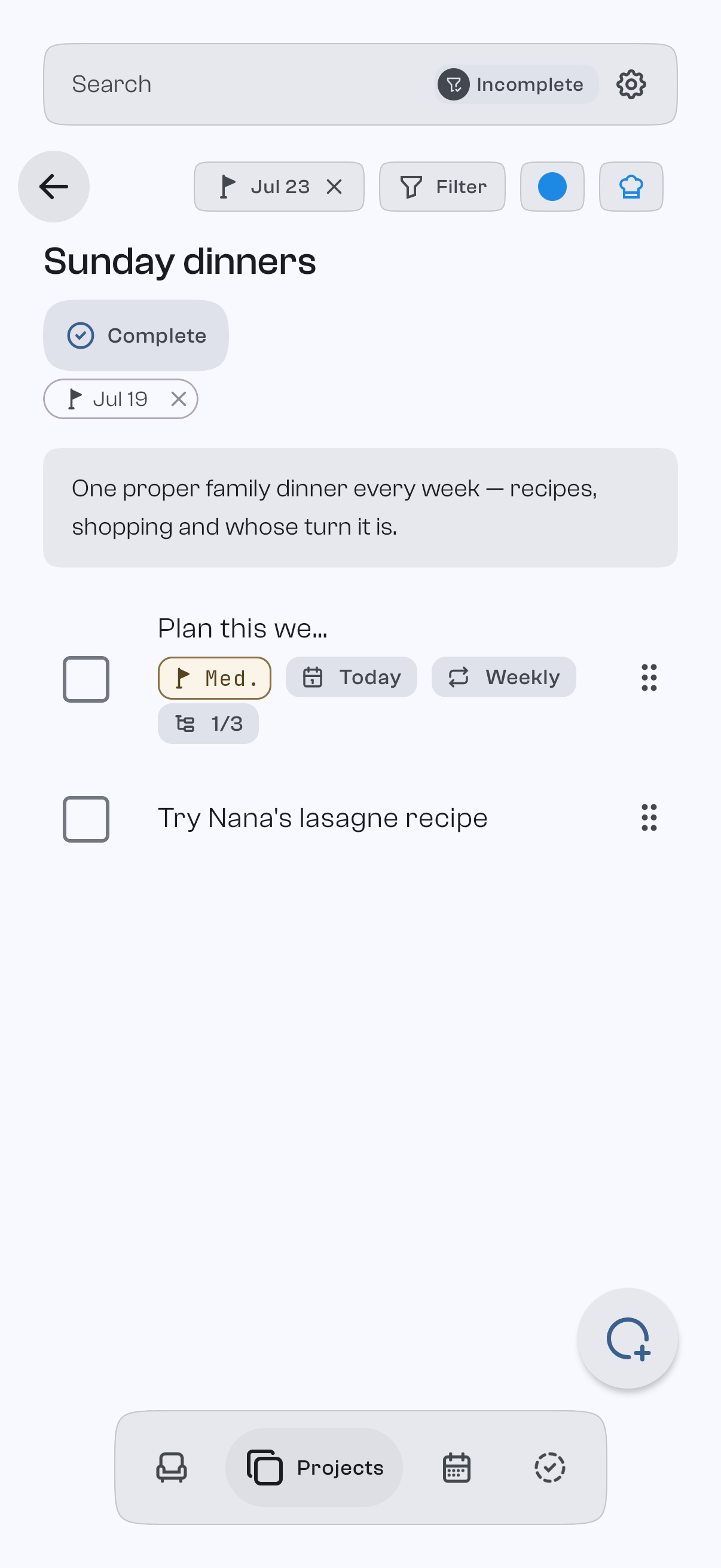
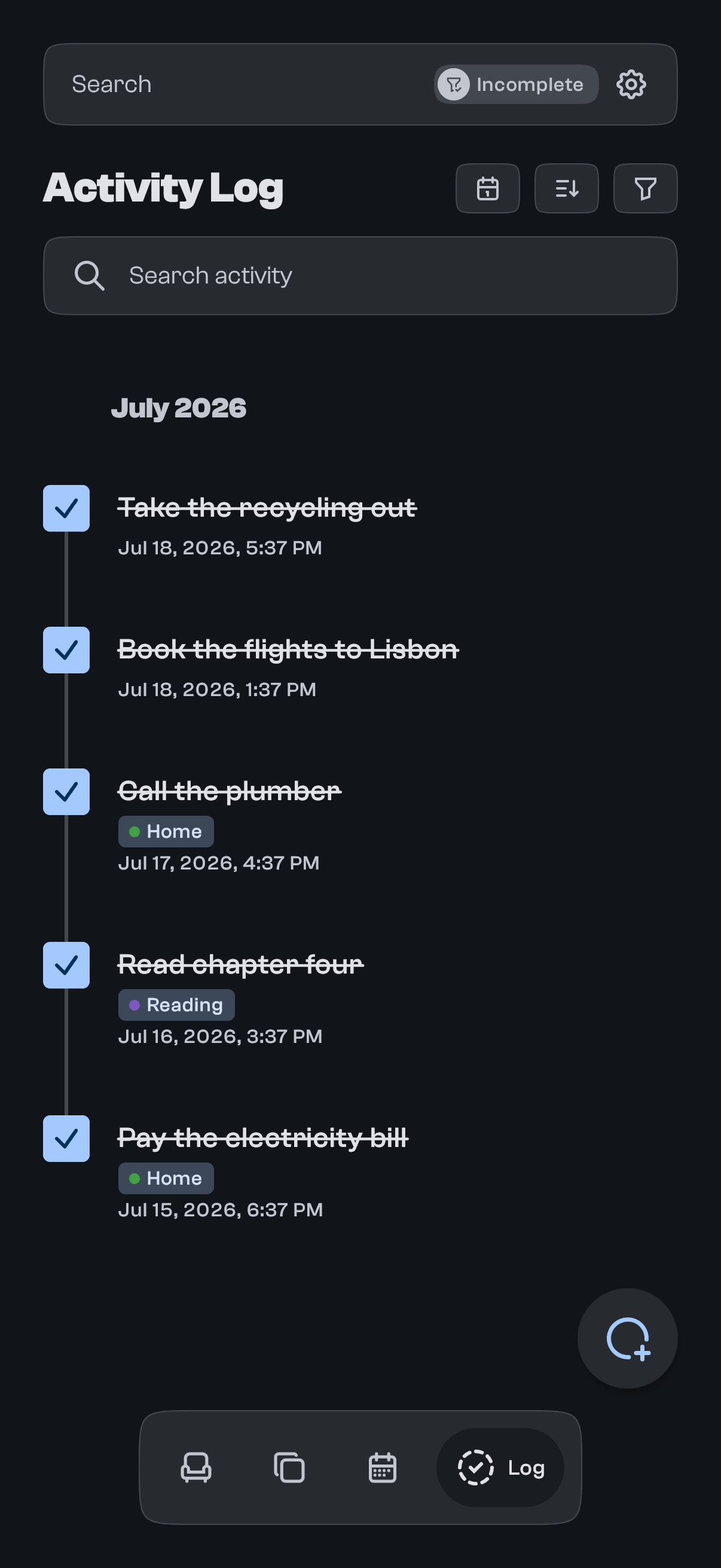
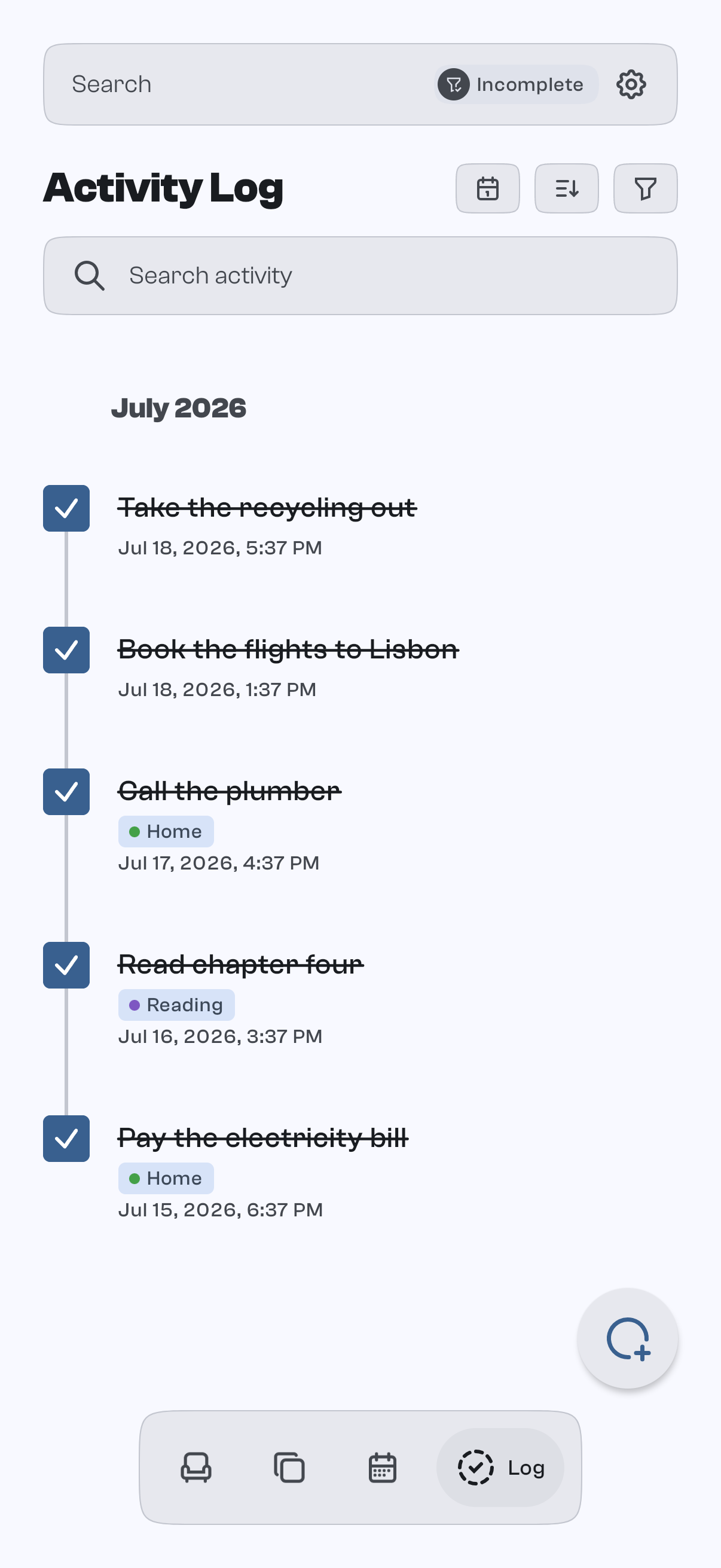
Everything else, in one honest list.
Recurring tasks
Daily, weekly, monthly or yearly, with intervals and weekdays. Roll forward automatically, or keep repeating until it's done.
Reminders and snooze
Reminders that pop up on your device at the time you pick, with one-tap snooze and quick presets.
Location reminders
Get reminded when you arrive at or leave a place you choose.
Subtasks
Break a task into checklist steps that track their own progress.
Drag-and-drop ordering
Reorder tasks and projects by hand; the order stays yours.
Undo and redo
Step back and forward through your recent changes with a visible history.
Image attachments
Attach photos to a task for context.
Voice capture
Speak a task out loud and check what the app heard before it's saved. Your voice stays on your device.
Home and desktop widgets
See your tasks right on the home screen or desktop on Android, iPhone, Mac and Windows.
Siri, Shortcuts and assistant surfaces
Add and complete tasks by asking Siri, from Shortcuts, or straight from your phone's search.
Sharing by email
Share a task or project with someone by email when you're signed in. Either of you can stop sharing at any time.
Google Tasks1
Two-way sync with your Google task lists.
Google Calendar1
A read-only overlay of your Google Calendar events for context.
Device export, account export and deletion
Save what's on this device as a ZIP without an account. If you sign in, separately download or delete your cloud account data.
1 Google features need a signed-in account. They're still going through Google's approval process, so they count as beta for now.
Private by default. Cloud by choice.
Your tasks live on your device, not on someone else's computer. Signing in is optional; it adds syncing, sharing and the Google extras. Voice capture never leaves your device.
Read the privacy policy. It's short.- Works fully signed out
- Sync is opt-in
- Export this device as a zip
- Delete your account and data
- Voice capture stays on your device